How to Monitor an API Endpoint (Step by Step)
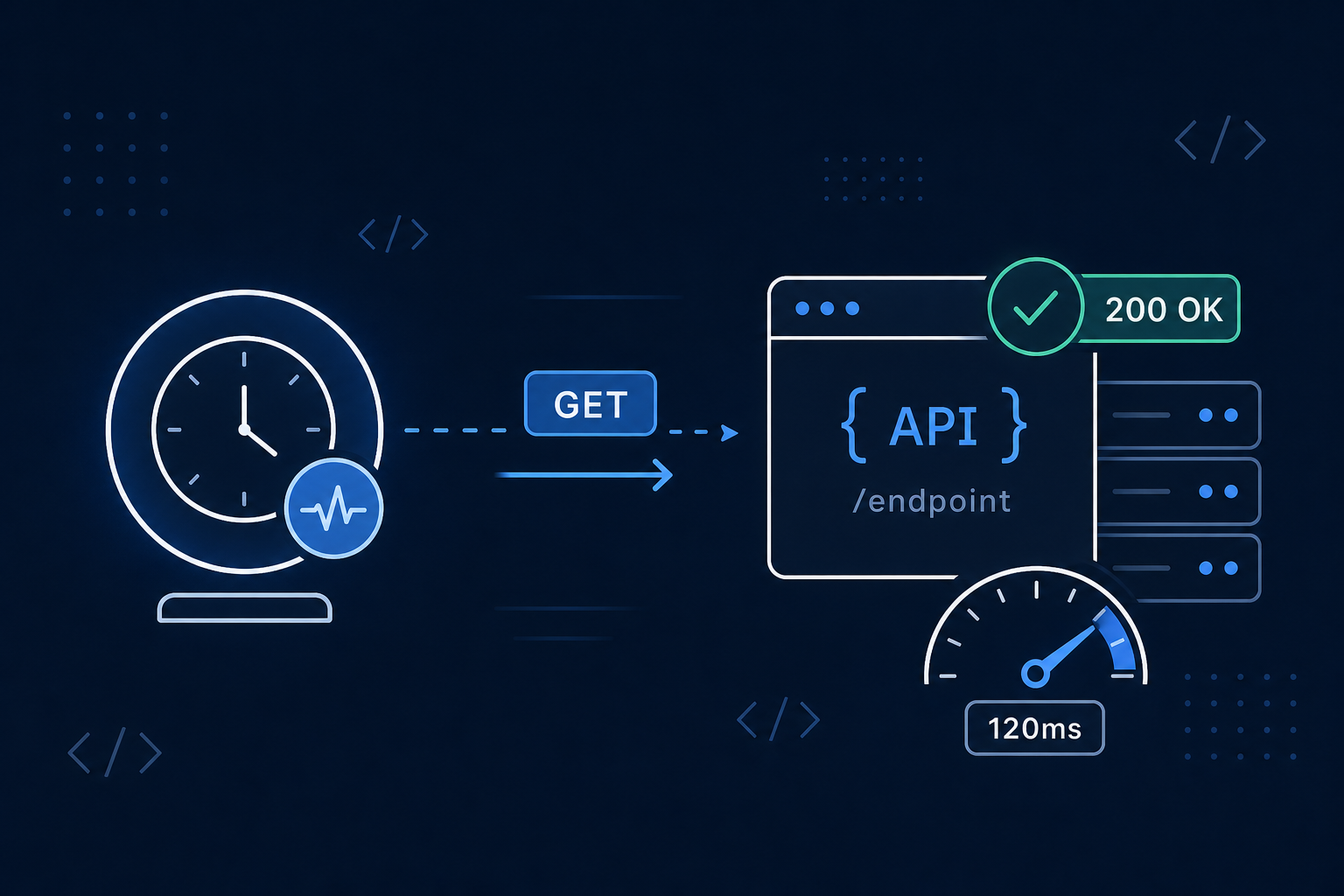
Your website going down is obvious — visitors see an error page and complain. But when an API endpoint fails, the symptoms are quieter and often worse: mobile apps stop syncing, integrations break silently, checkout flows fail at the last step, and you might not hear about it until customers do.
Monitoring an API endpoint is similar to monitoring a website, but there are a few extra decisions that matter. This guide walks through them step by step.
If you're not sure what API monitoring is or why it's different from basic uptime checks, start with What Is API Monitoring? and HTTP vs API Monitoring. Otherwise, let's set one up.
Step 1: Choose the Right Endpoint to Monitor
Not every endpoint is a good monitoring target. The ideal endpoint is:
- Lightweight — returns quickly without heavy computation
- Representative — exercises your core dependencies (database, cache, critical services)
- Safe — read-only, with no side effects
The best option is a dedicated health check endpoint, often at /health, /status, or /healthz. A good health endpoint does a quick internal check (can it reach the database? is the cache up?) and returns a simple response.
If you don't have a health endpoint, pick a read-only GET route that returns fast — for example, a "list" endpoint that's cheap to serve.
Avoid monitoring:
- Endpoints that create, update, or delete data
- Endpoints that trigger emails, charges, or webhooks
- Heavy report or export endpoints that take seconds to respond
Step 2: Pick the HTTP Method
For most monitoring, use GET. It's safe, idempotent, and won't change anything on your server no matter how often it runs.
Use POST (or another method) only when the endpoint you need to check requires it. If you do, make sure:
- The request body is valid
- Any required headers (like
Content-Type: application/json) are set - The endpoint won't create real data or side effects each time it's called
A monitor that runs every minute will hit your endpoint over 40,000 times a month — so it absolutely must be safe to call repeatedly.
Step 3: Set the Expected Status Code
This is where API monitoring gets more precise than basic website monitoring. You need to tell your monitor exactly what a healthy response looks like.
Most healthy API endpoints return:
- 200 OK — standard success with a response body
- 204 No Content — success with no body (common for health checks)
Set your monitor's expected status code to match. Then, if the endpoint ever returns:
- 500 / 503 — your server is erroring or overloaded
- 401 / 403 — authentication broke (often a key expiry or config change)
- 404 — the route moved or was removed
- 429 — you're being rate-limited
...the monitor catches it and alerts you. Without an expected-status setting, a monitor might treat any response — even a 500 — as "the server replied, so it's up."
Configuring these settings in Monitoristic? Our monitor settings guide explains every field — method, expected status, timeout, and slow-response threshold — and when to use each.
Step 4: Handle Authentication
Many API endpoints require authentication. If yours does, your monitor needs to send the right credentials — usually via a header:
Authorization: Bearer YOUR_API_TOKEN
A few tips:
- Use a dedicated monitoring token if your API supports it, so you can revoke it independently and see monitoring traffic separately.
- Watch for token expiry. If your token expires, the endpoint starts returning
401and your monitor will (correctly) alert — but it's a monitoring failure, not a real outage. Use long-lived or auto-rotating tokens for monitoring where possible. - Never put secrets in a public status page. Keep authenticated monitors internal.
Step 5: Don't Stop at 200 OK
Here's the trap many teams fall into: assuming a 200 means everything is fine.
An API can return 200 OK while being completely broken:
- The body contains
{"error": "database unavailable"}but the status is still200 - It returns stale or empty data
- It responds, but takes 8 seconds when it should take 200ms
To catch these, layer on additional checks:
Response time. Set a slow-response threshold so you're warned when the endpoint degrades before it fails completely. A consistently slow API is often the early signal of an outage.
Response body keywords. Where supported, check that the response contains an expected string (like "status":"ok") or does not contain an error marker. This catches the "200 but actually broken" case.
Step 6: Choose Your Check Interval
How often you check depends on how critical the endpoint is:
- Payment, auth, or checkout APIs: check every 1 minute — you want to know within seconds
- Core product APIs: every 1-3 minutes
- Internal or low-traffic APIs: every 5 minutes is fine
More frequent checks mean faster detection but more requests to your endpoint. Our guide on choosing the right check interval covers the tradeoffs in detail.
Step 7: Route Alerts to Where You'll See Them
A monitor is only useful if the alert reaches you fast. For APIs, that usually means:
- Telegram or another chat channel for instant, on-phone alerts
- Webhooks to pipe the alert into your incident tooling, on-call system, or an automation platform like n8n, Make, or Zapier
For a critical API, the difference between a 1-minute and a 30-minute response time is often just where the alert lands.
A Quick Checklist
Before you call your API monitoring "done," confirm:
- You're monitoring a safe, representative endpoint (ideally a health check)
- The HTTP method is correct (GET for most cases)
- The expected status code matches a healthy response
- Authentication is configured with a long-lived monitoring token
- A slow-response threshold is set to catch degradation early
- The check interval matches how critical the endpoint is
- Alerts route to a channel you'll actually see immediately
Wrapping Up
Monitoring an API endpoint isn't much harder than monitoring a website — it just demands a bit more precision. Pick a safe endpoint, set the right method and expected status, watch response time as well as availability, and route alerts somewhere you'll see them.
Do that, and you'll catch API problems while they're still your secret — not your customers' complaint.
Set up your first API monitor →
For more on the differences between simple uptime checks and deeper API monitoring, read HTTP vs API Monitoring.